A warmer, clearer field workflow
The Warm Jobsite design carries through Projects, Open Project, Daily Report, Account, sign-in, project setup, archives, subscription management, and referrals.
BuildMinute™ is construction field report software focused on one job: helping construction professionals capture the day, produce their record, and move on.
These approved screenshots use realistic, fictitious project information. Version 7.1.6 is now in open testing through Google Play.
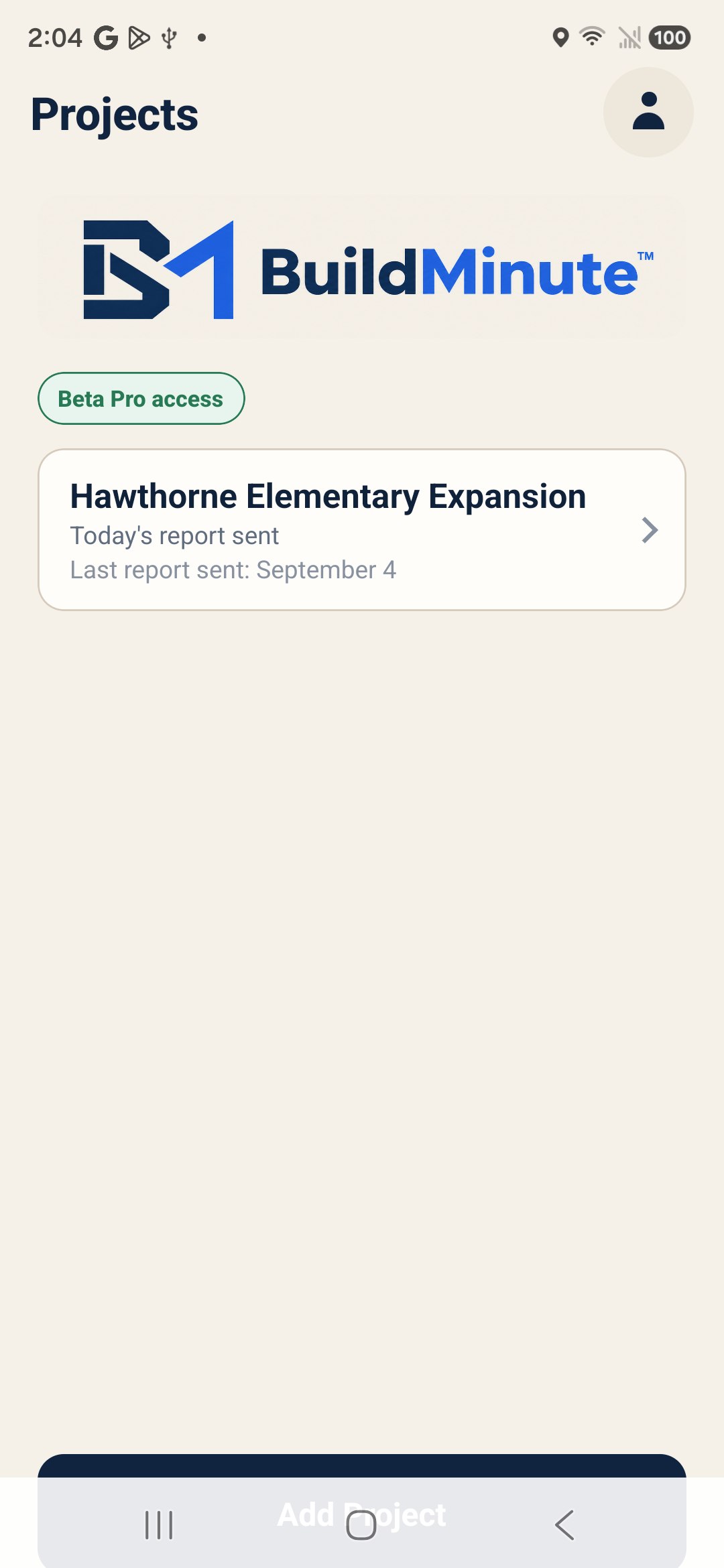
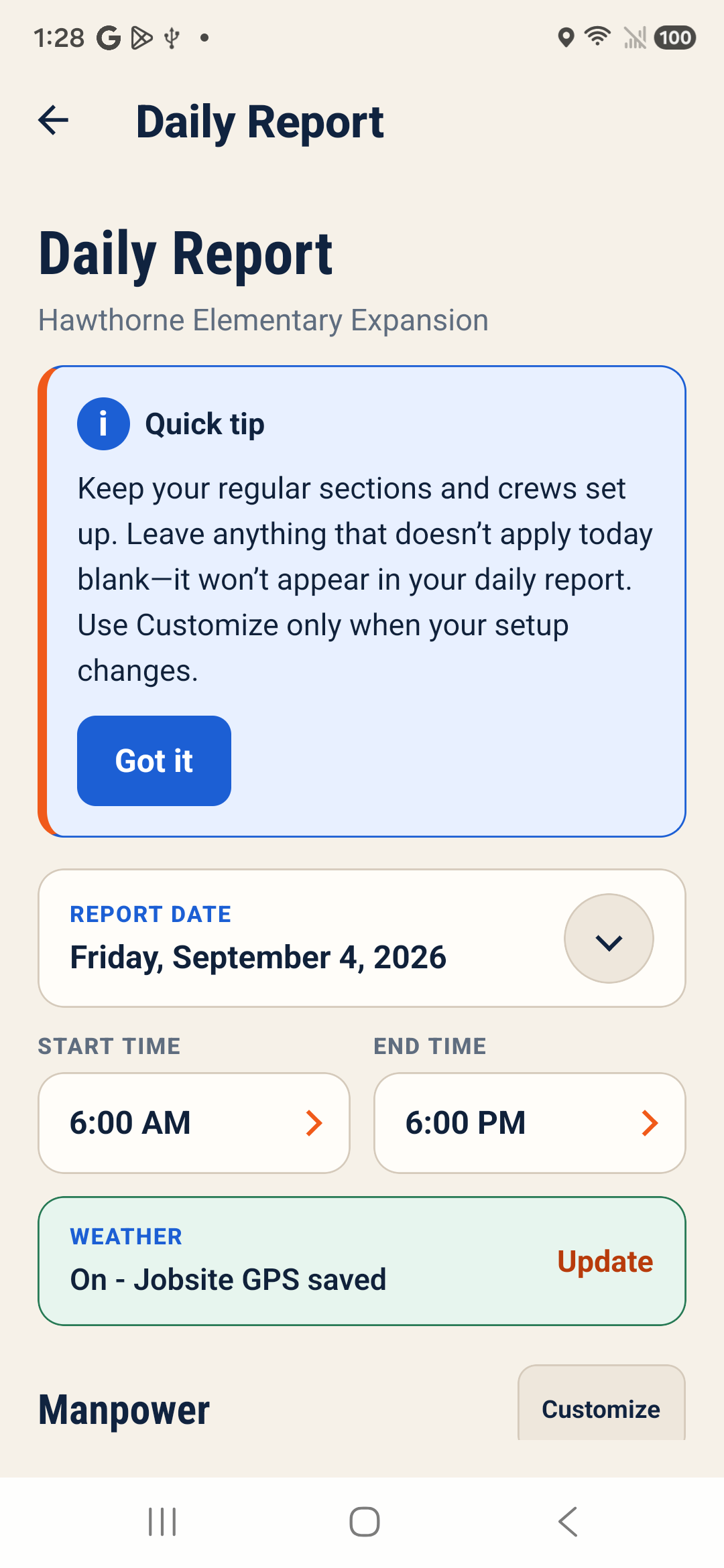
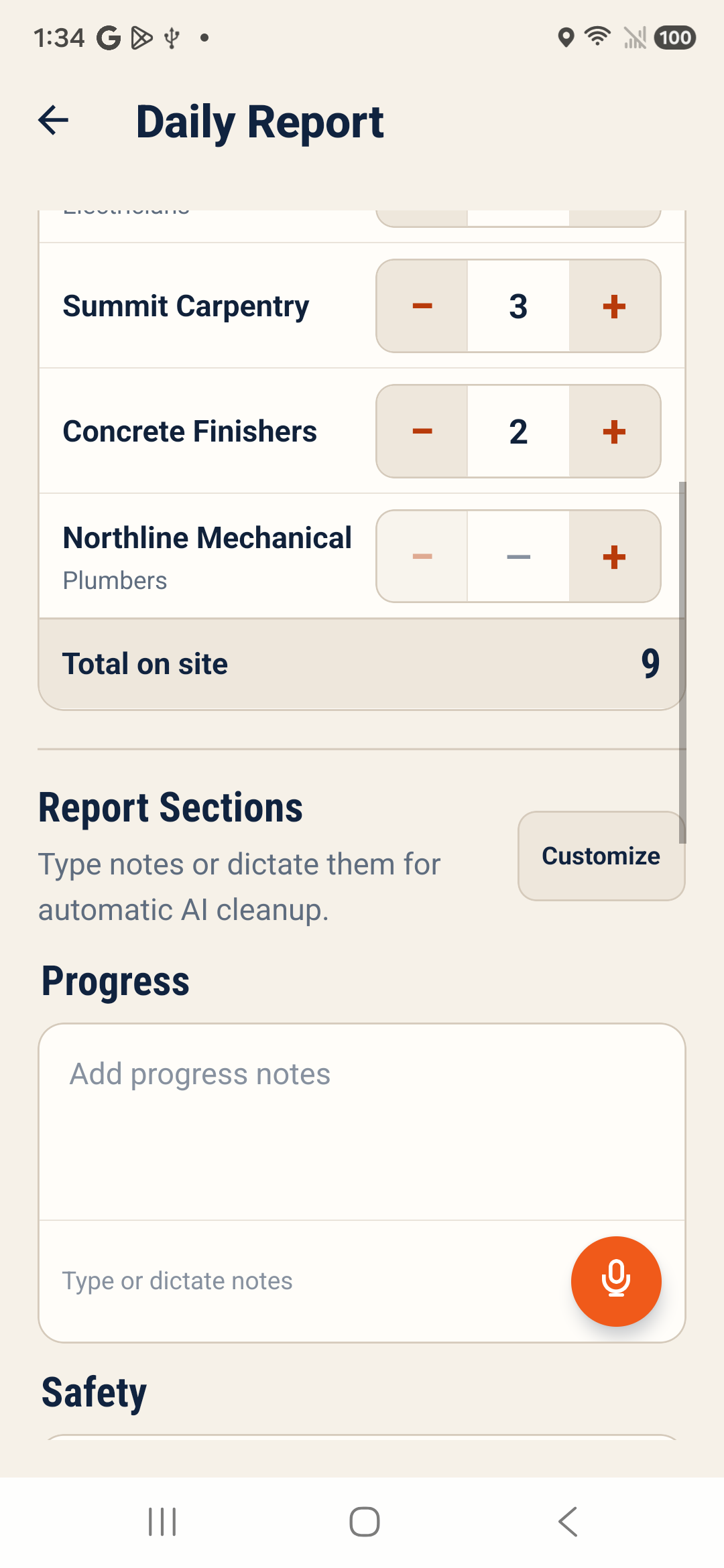
The Warm Jobsite design carries through Projects, Open Project, Daily Report, Account, sign-in, project setup, archives, subscription management, and referrals.
The Projects and Account screens make free-report status and the Upgrade to Pro path easier to understand.
A dismissible Daily Report tip explains that regular crews and sections can stay configured while anything that does not apply that day can be left blank.
Enter a company or crew name, a trade, or both. Only crews with a positive on-site count appear in the finished PDF.
AI-assisted dictation organizes a field recap, while the on-device correction dictionary remembers the names and terms you choose to add.
Flash, torch, and zoom controls sit vertically on the right. The timestamp is visible before photo capture or video recording begins.
Photos captured in BuildMinute™ use consistent filenames and sequential numbering so the jobsite record is easier to follow.
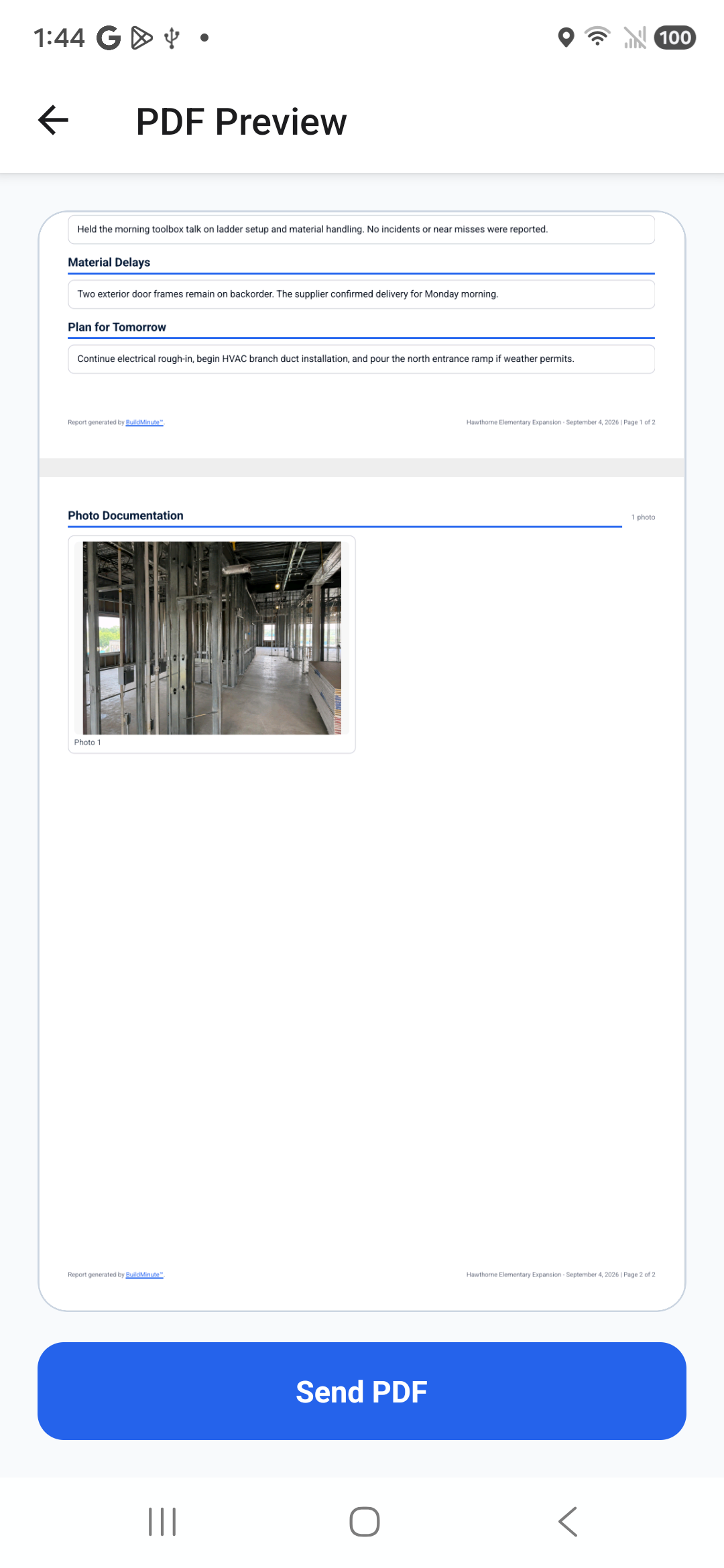
PDFs use clearer filenames with the professional name, project, report date, and revision number, plus a linked “Report generated by BuildMinute™” footer.
Generated PDFs are saved directly under Downloads/BuildMinute/<Project Name> on the device.
Sent reports remain editable for five days. Each update creates a numbered, clearly labeled revision while preserving the original PDF.
Completed-report history opens the existing PDF on the device. If the file is missing, BuildMinute™ does not regenerate or display a replacement.
Move an inactive project out of the main list, review archived projects later, and restore one when work resumes.
Daily reports matter when schedules slip, questions arise, or the project record needs to speak for itself. BuildMinute™ helps make that documentation more consistent without pretending to be full project-management or time-tracking software.
See Android testing status